
Run your whole WooCommerce operations from one dashboard.
Orders, dispatch, stock, invoicing and security in a single WooCommerce workspace — built for the team living in the fulfilment queue, not the WordPress admin.
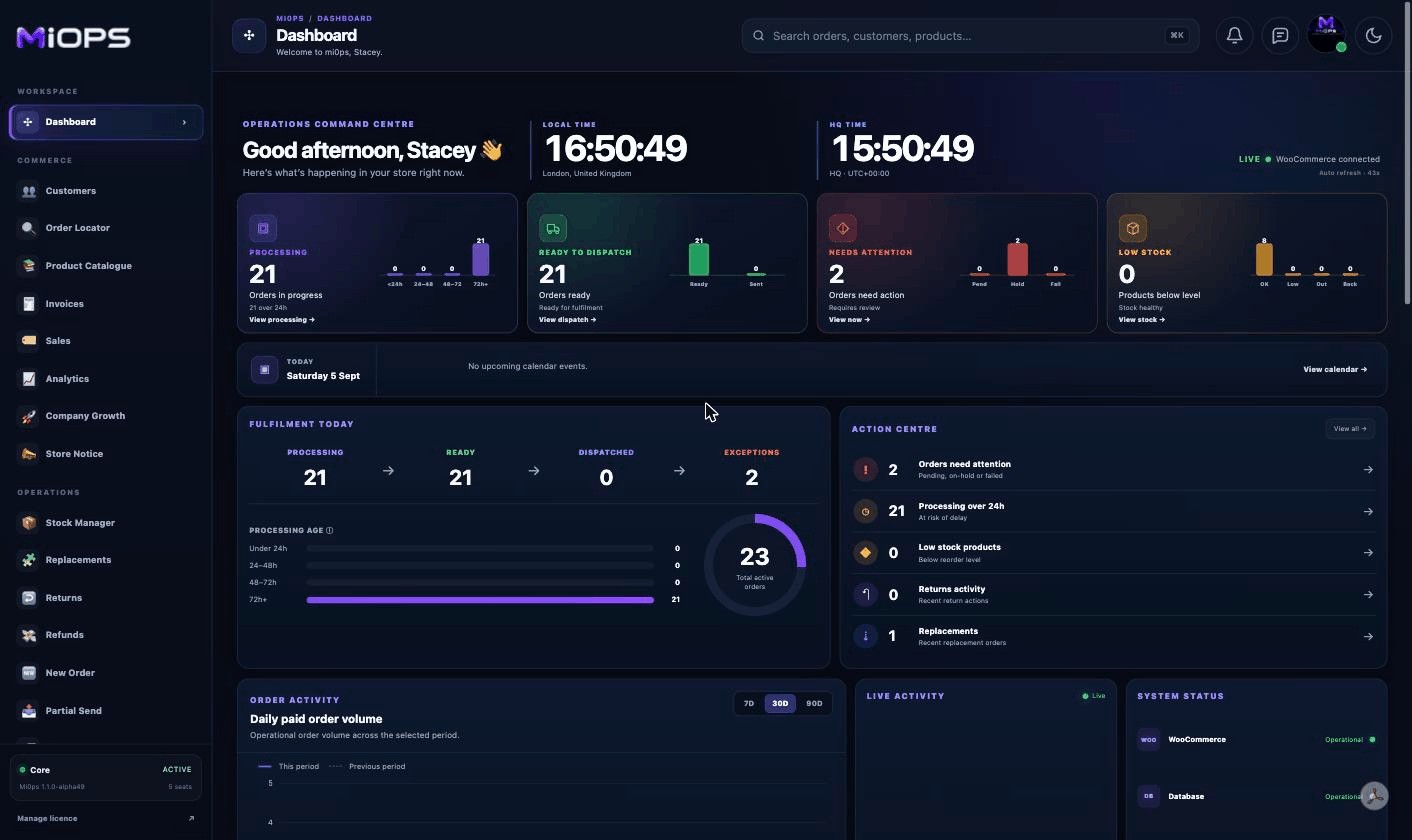
Dashboard
The operations command centre: live workload, fulfilment pressure, stock exceptions, activity and system health in one operational view.
- Processing, ready-to-dispatch, attention and low-stock KPIs
- Action Centre, order activity and live activity
- Fulfilment pressure, stock health and recent orders
- Shared Company Calendar and quick actions
Customers
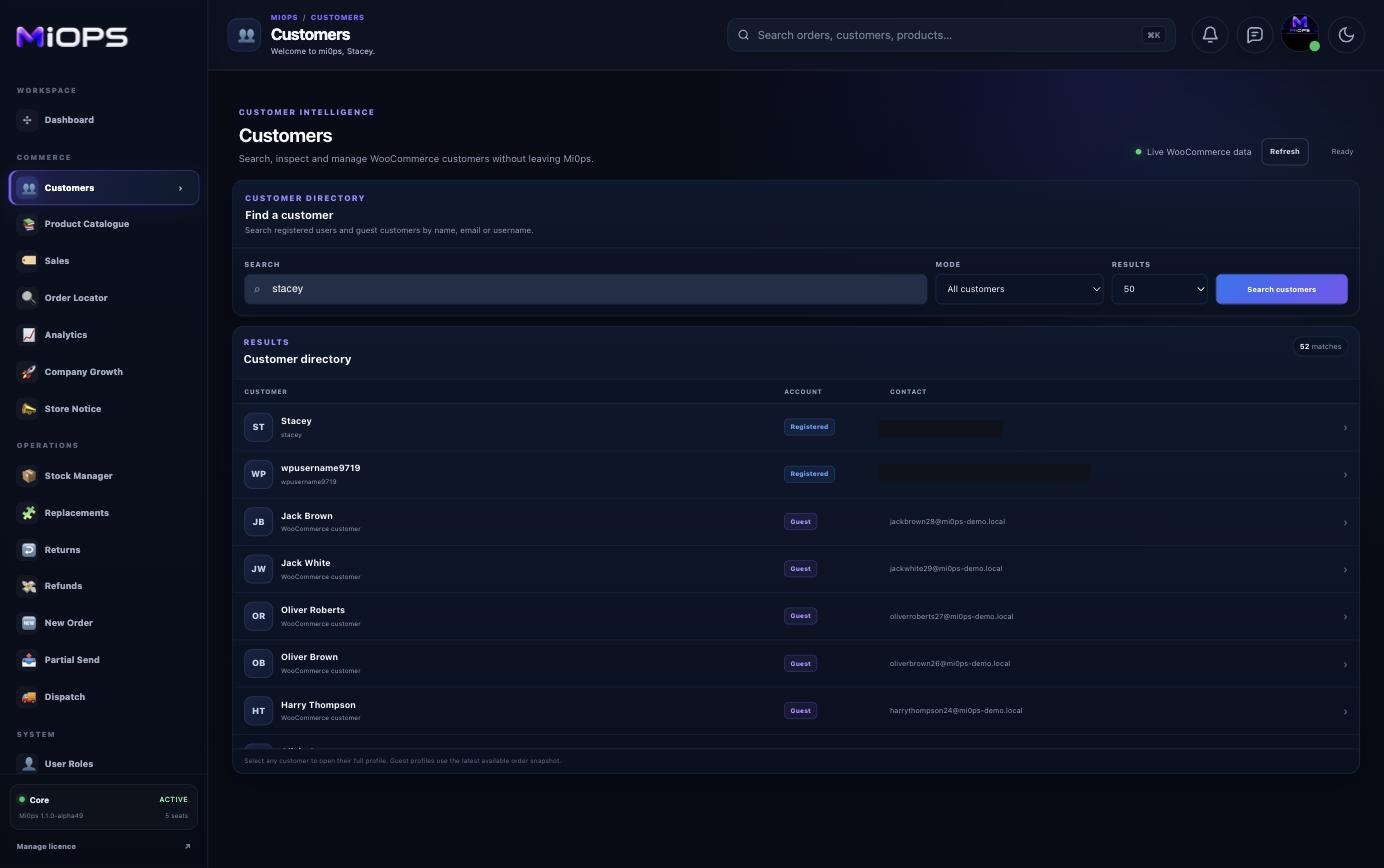
A searchable WooCommerce customer directory covering registered users and guest customers inferred from order history.
- Search by name, email or username
- Registered and guest customer modes
- Full customer profile, billing and shipping detail
- Order history, store credit and delivery-location context
Order Locator
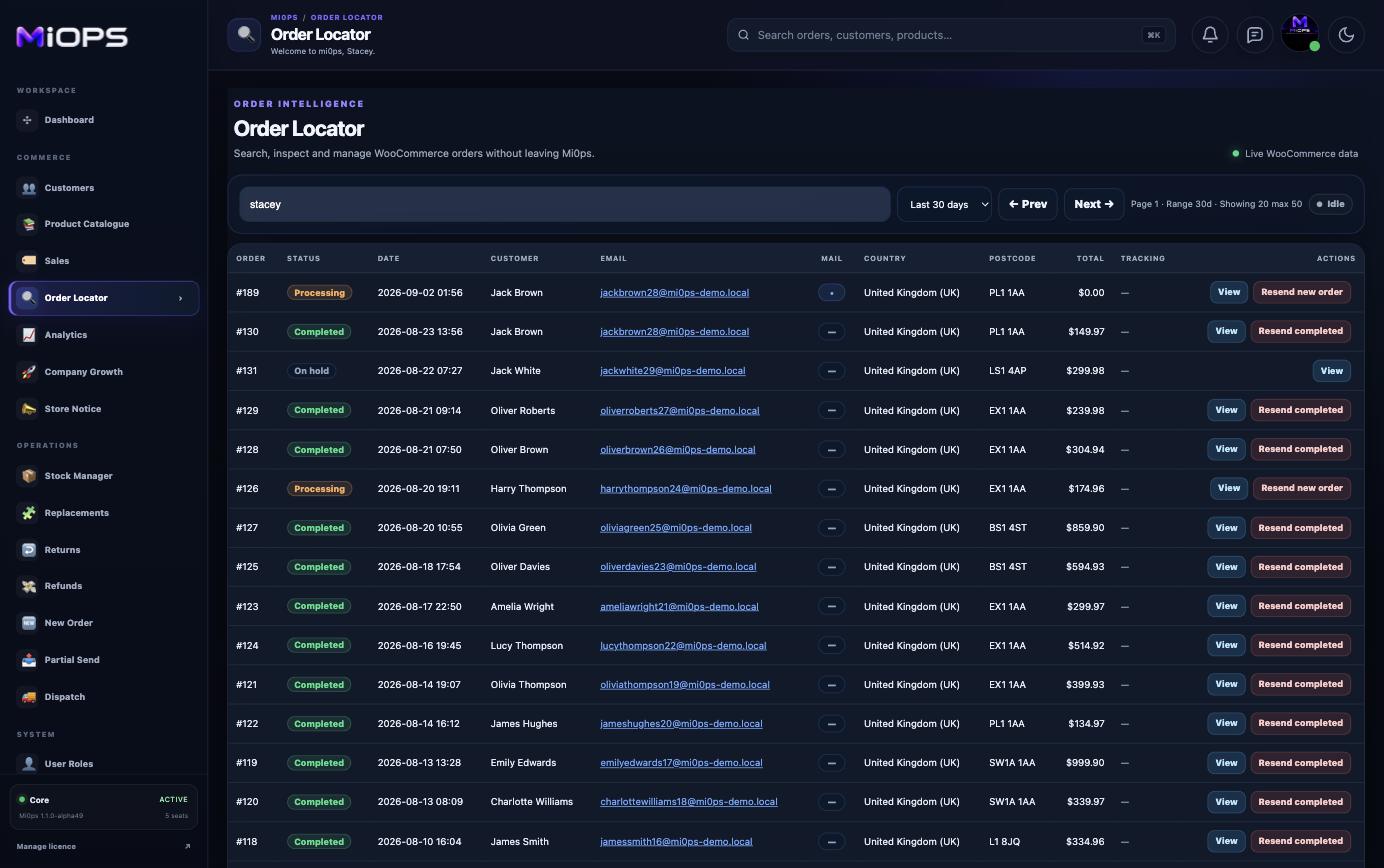
Find an order quickly, inspect the complete record and jump directly into the service or fulfilment action it needs.
- Search order, customer, postcode, country or tracking
- Status and historical-range filters
- Full selected-order detail and notes
- Open Invoices, Replacements, Refunds, Returns or Partial Send
Product Catalogue
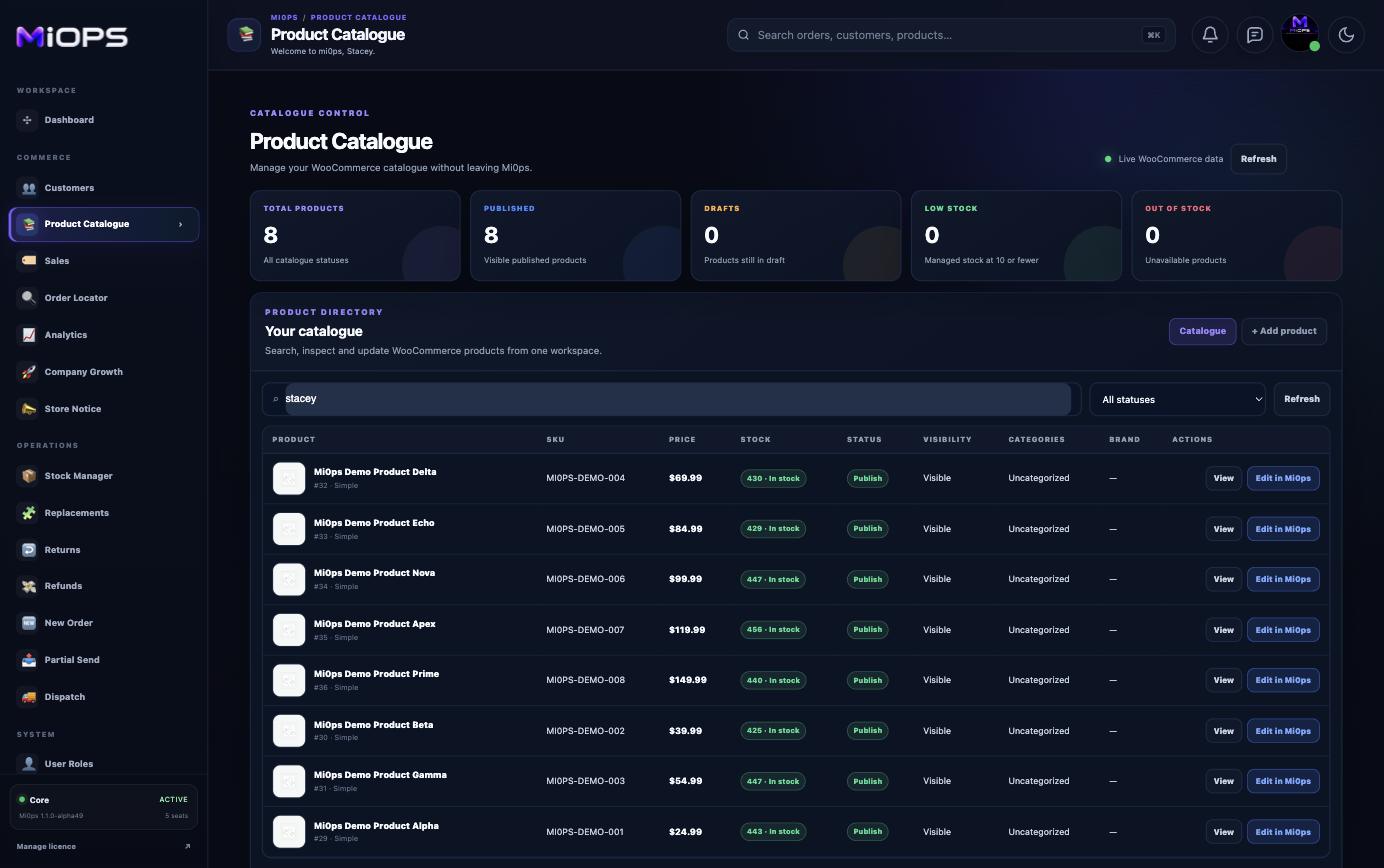
Inspect and edit WooCommerce products from Mi0ps without leaving the operations workspace.
- Search and filter products by status
- Create simple WooCommerce products
- Edit identity, pricing, stock and visibility
- Manage descriptions, dimensions and taxonomy
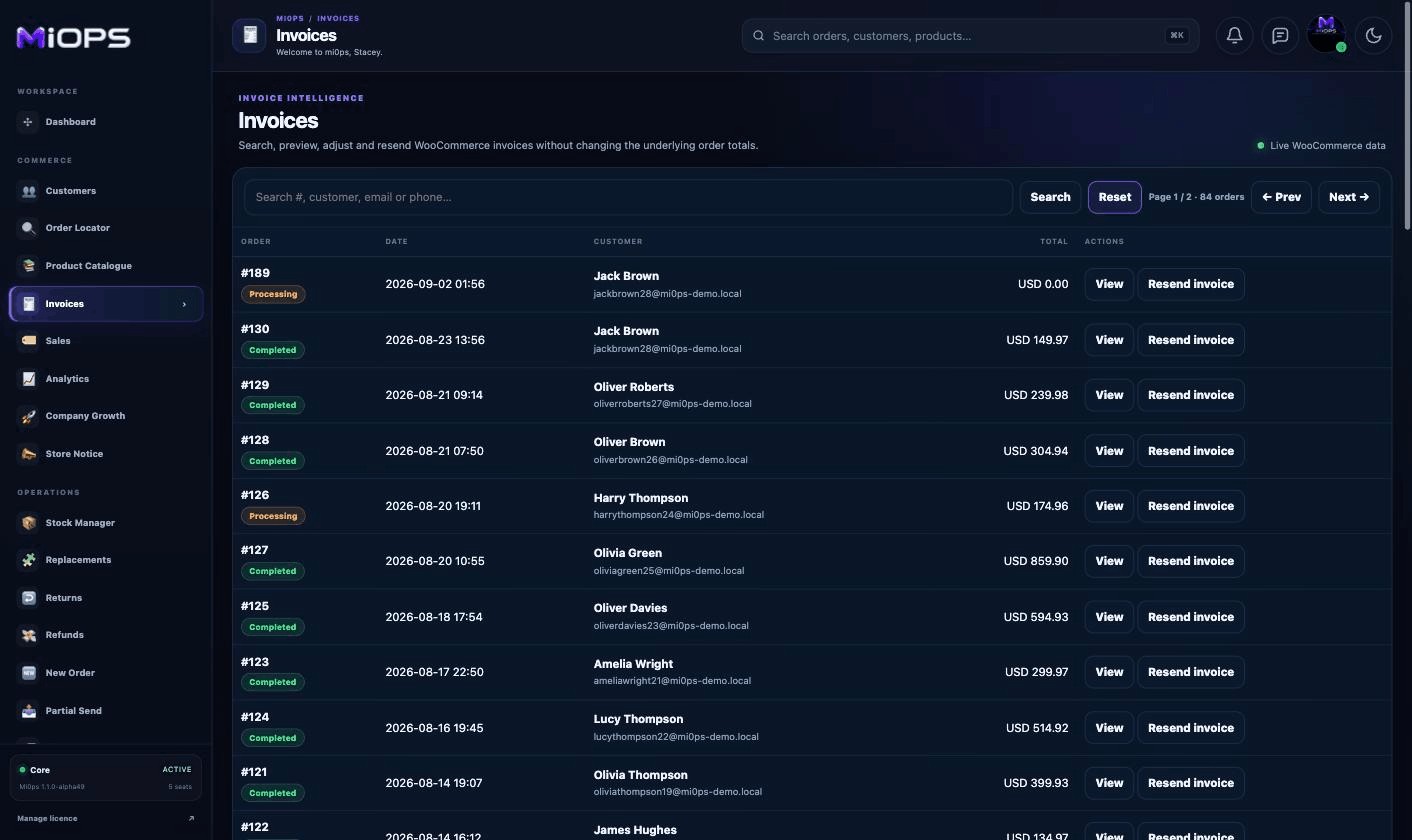
Invoices
Generate branded PDF invoices from eligible WooCommerce orders, apply invoice-only display adjustments and resend them directly to customers.
- Search Processing, Completed and Refunded orders
- Branded PDF generation and live preview
- Invoice-only adjustments without changing the real order
- Resend by email and optional secure 30-day QR access
Sales
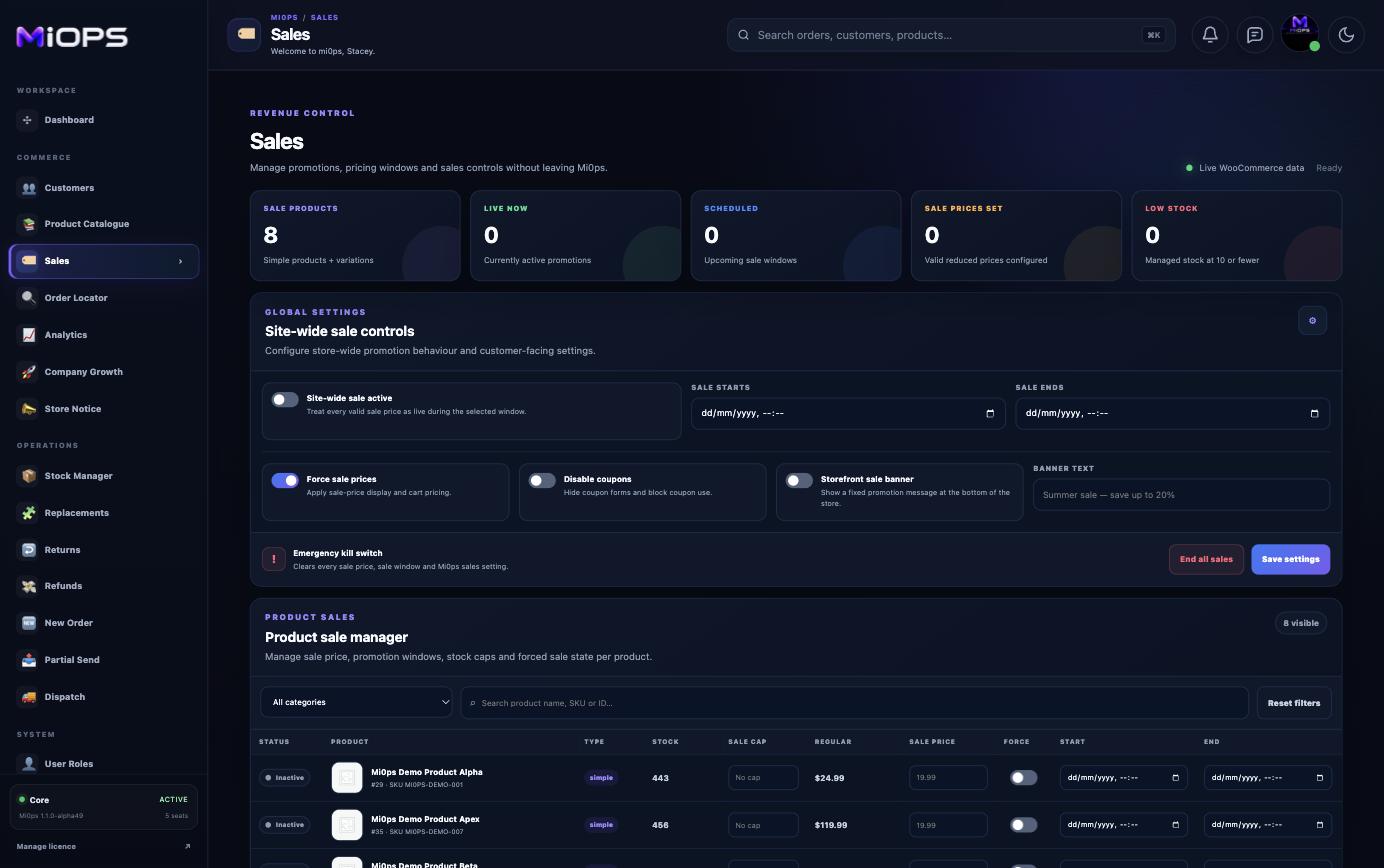
Control global and per-product promotions from one place, including pricing, timing, coupon behaviour and emergency controls.
- Global and product-level sale controls
- Scheduled promotion windows
- Sale pricing and stock caps
- Emergency end-all-sales control
Analytics
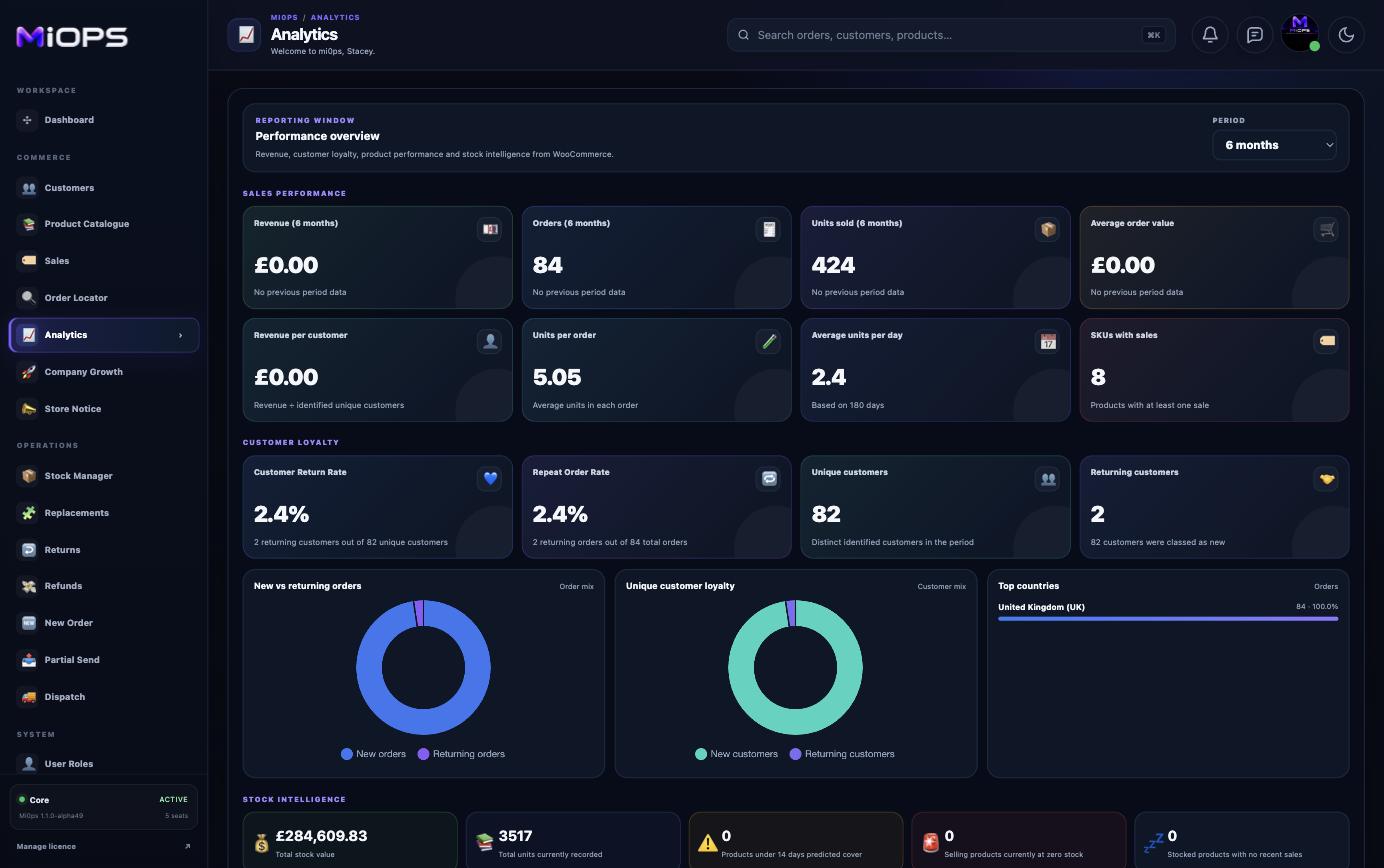
On-demand WooCommerce performance intelligence for the reporting period that matters, calculated only when the module is opened.
- Revenue, orders and average order value
- Period-over-period performance
- Product and stock intelligence
- Top products, customers and billing countries
Company Growth
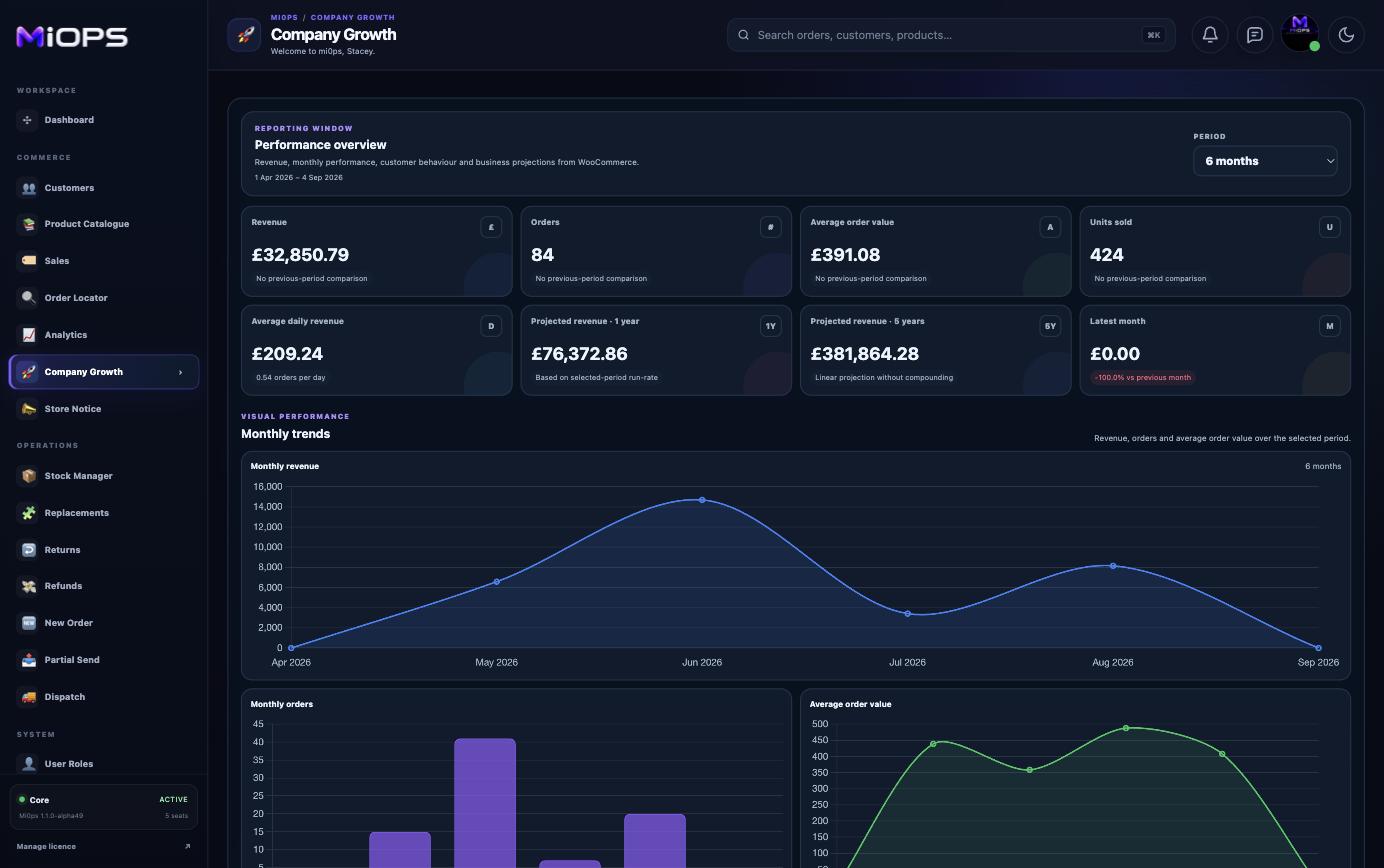
See monthly performance direction and planning projections from the same live WooCommerce data used across Mi0ps.
- Monthly revenue, orders and AOV trends
- Best and slowest month benchmarks
- Run-rate annual and five-year projections
- Month-by-month performance detail
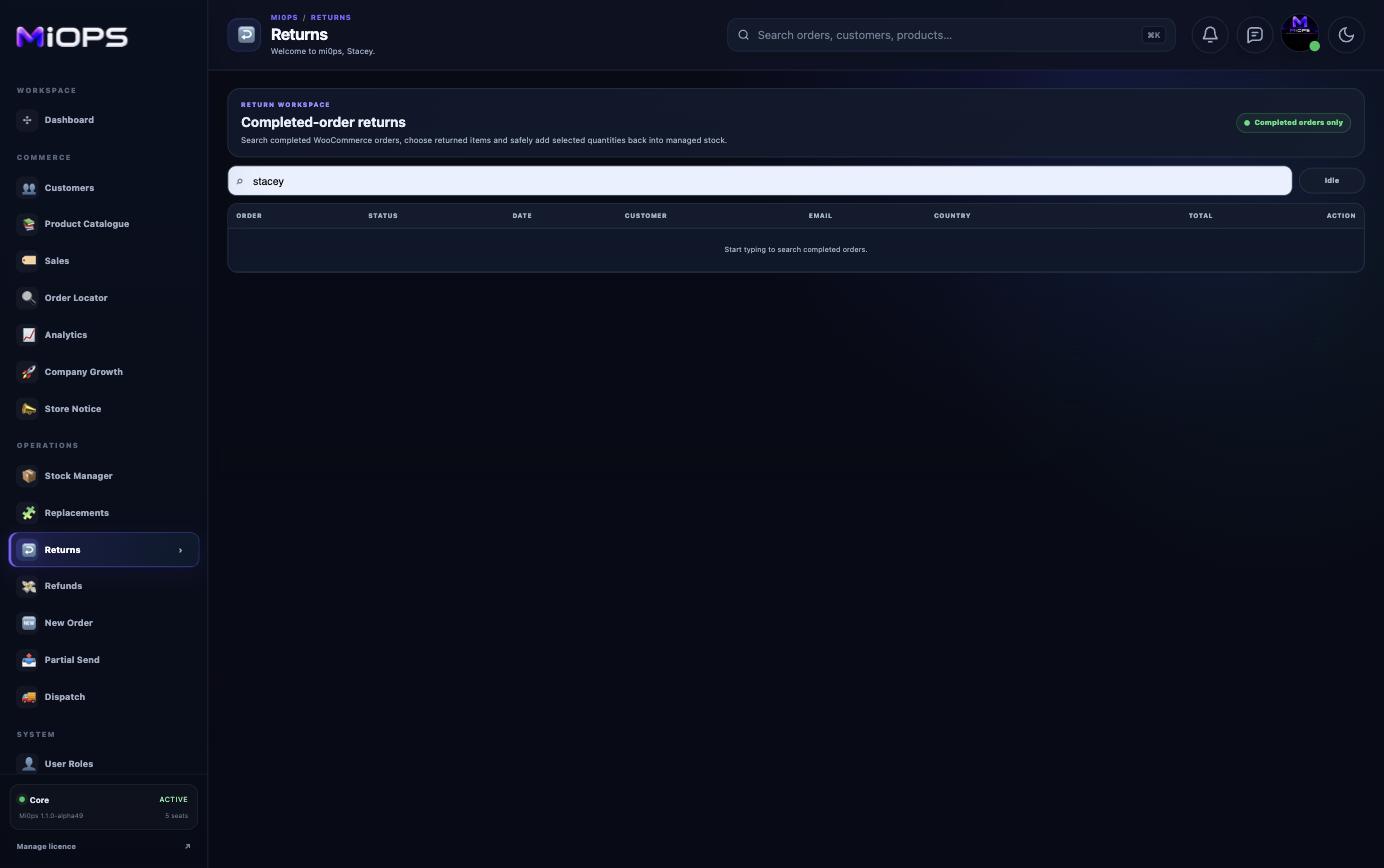
Store Notice
Create and preview a configurable WooCommerce bottom banner with page and product-level overrides.
- Live storefront banner preview
- Editable text and colours
- Global enable and display controls
- Page and product-level overrides
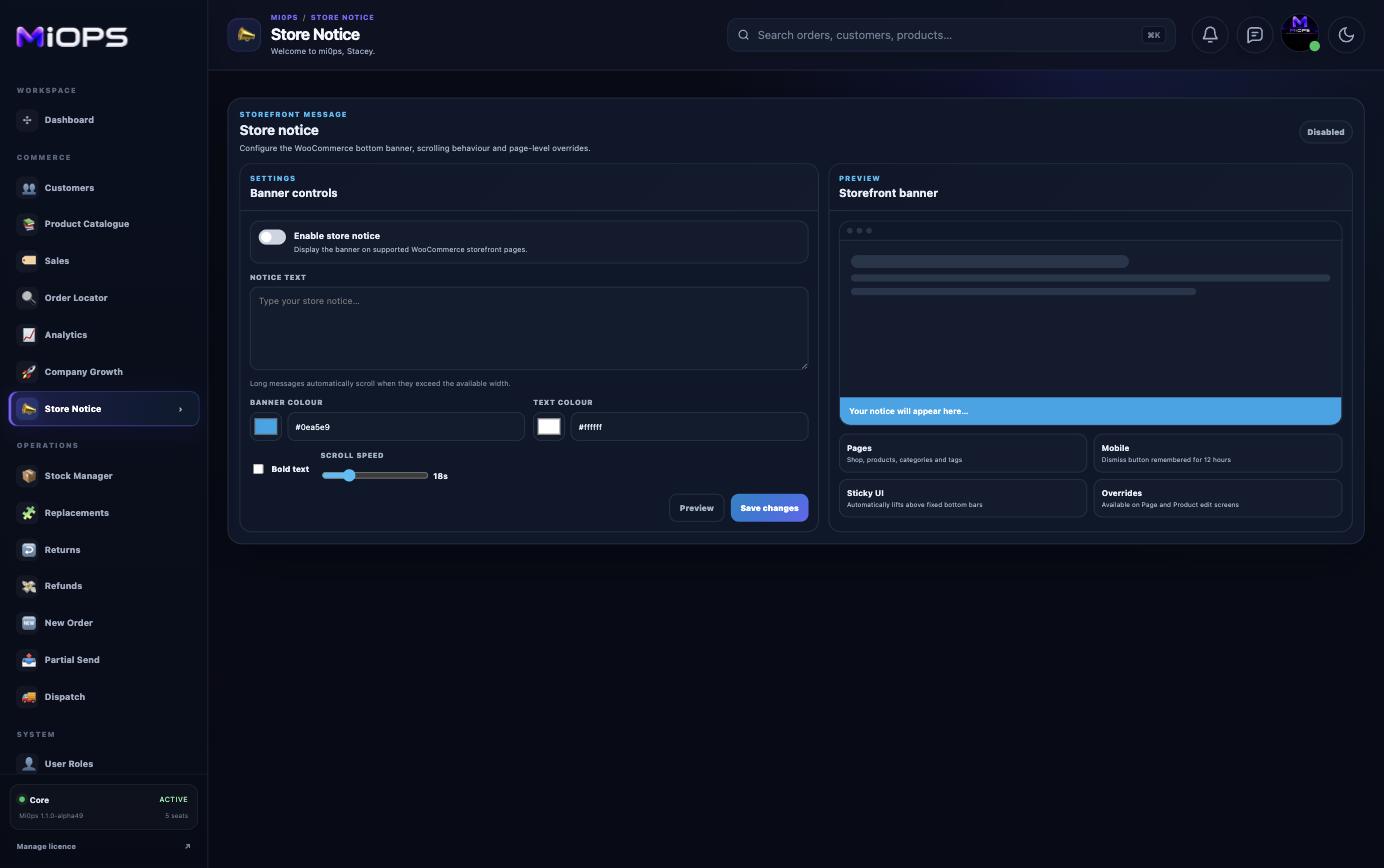
Stock Manager
A live inventory workspace for quantities, stock states, reorder thresholds, audit history and commercial stock intelligence.
- Bulk stock quantity and threshold editing
- Low-stock and status filters
- Per-product stock activity history
- Stock value, cost and potential-profit KPIs
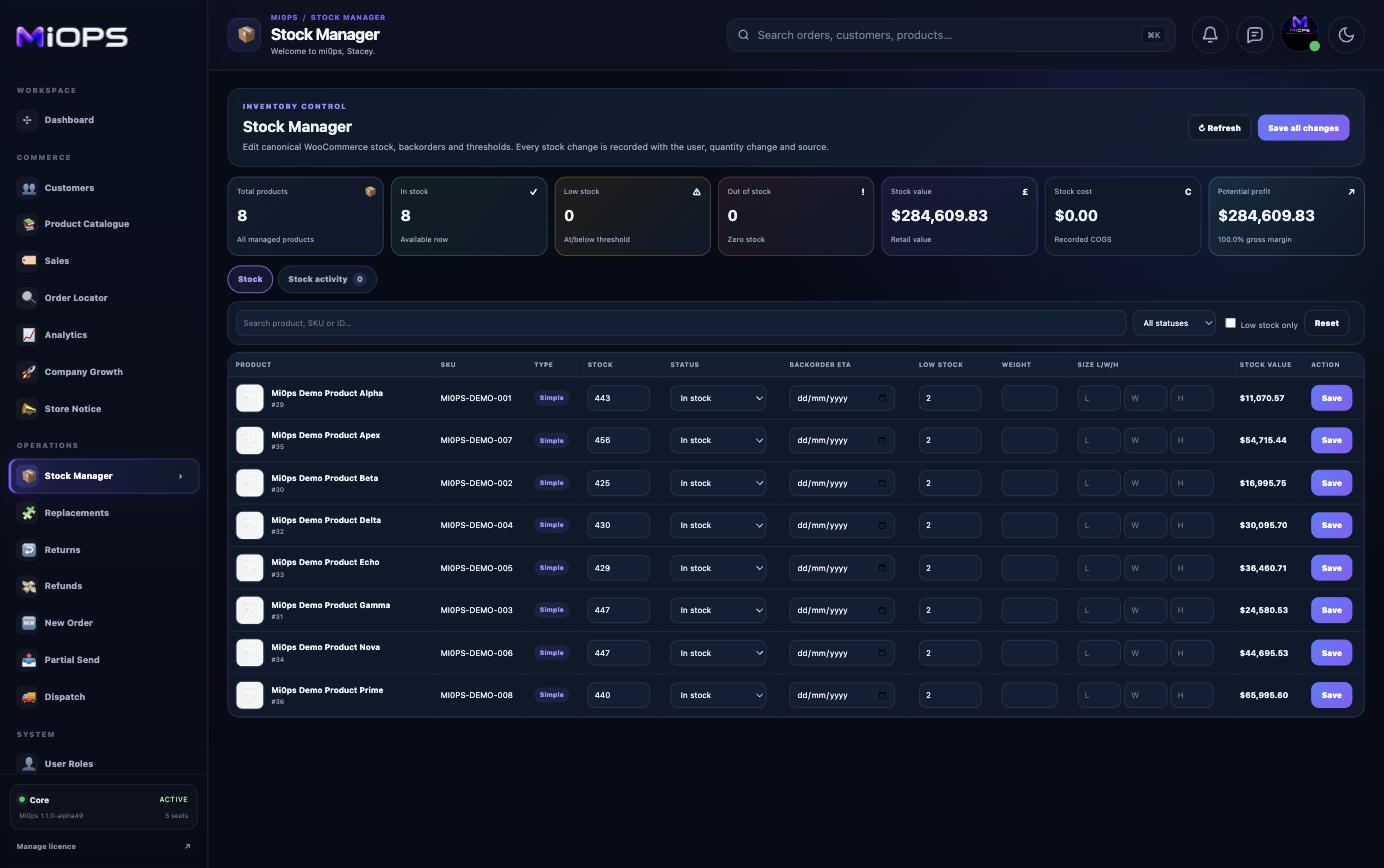
Replacements
Create a linked no-charge replacement order from a completed WooCommerce order without turning the workflow into a refund.
- Locate the original Completed order
- Select exact products and quantities
- Validate the replacement delivery address
- Create a linked £0 replacement order
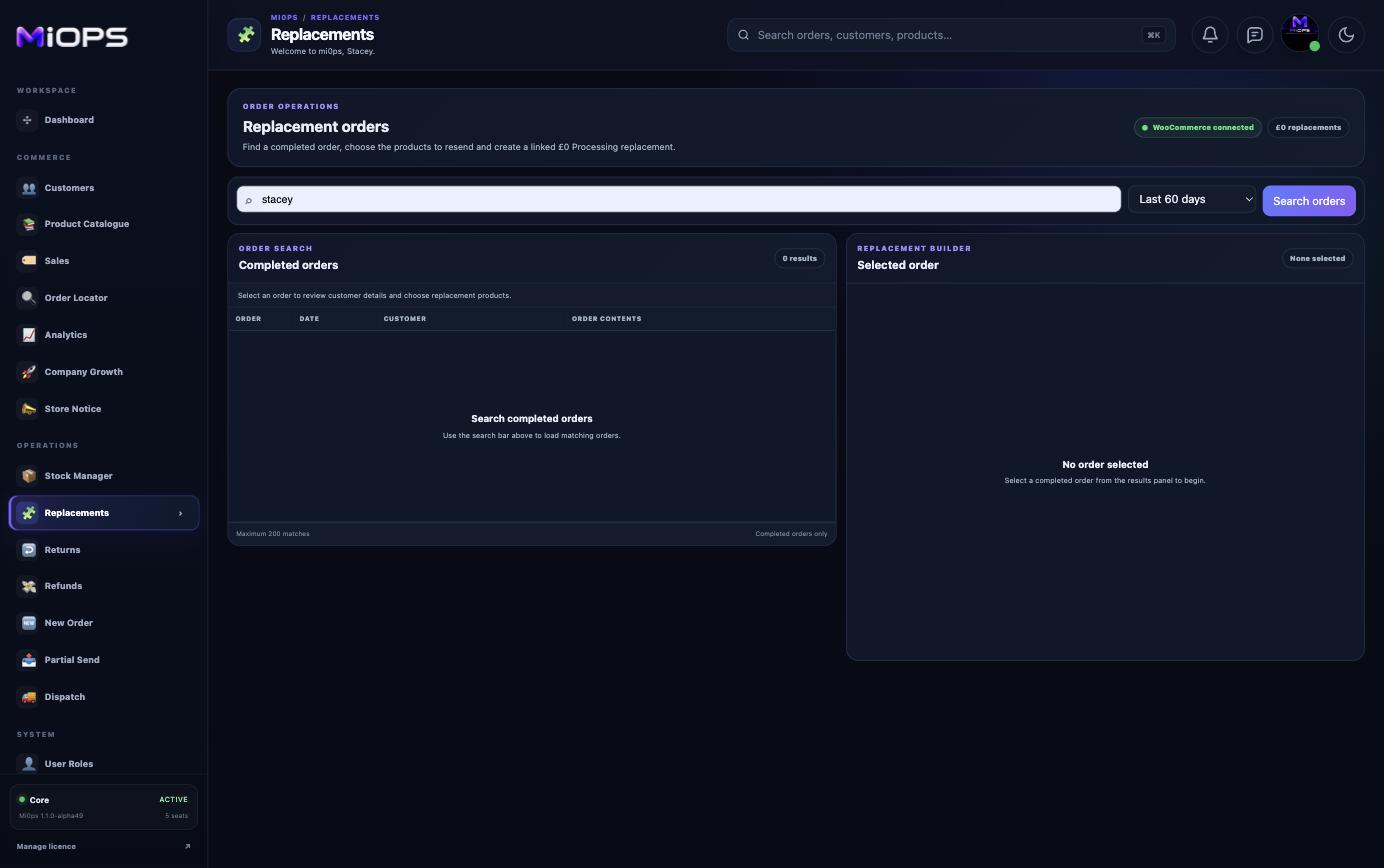
Returns
Record genuinely returned stock and reintroduce accepted quantities to WooCommerce inventory with deliberate controls.
- Search Completed orders
- Select exact returned line quantities
- Restock only physically accepted goods
- Immediate WooCommerce stock effect
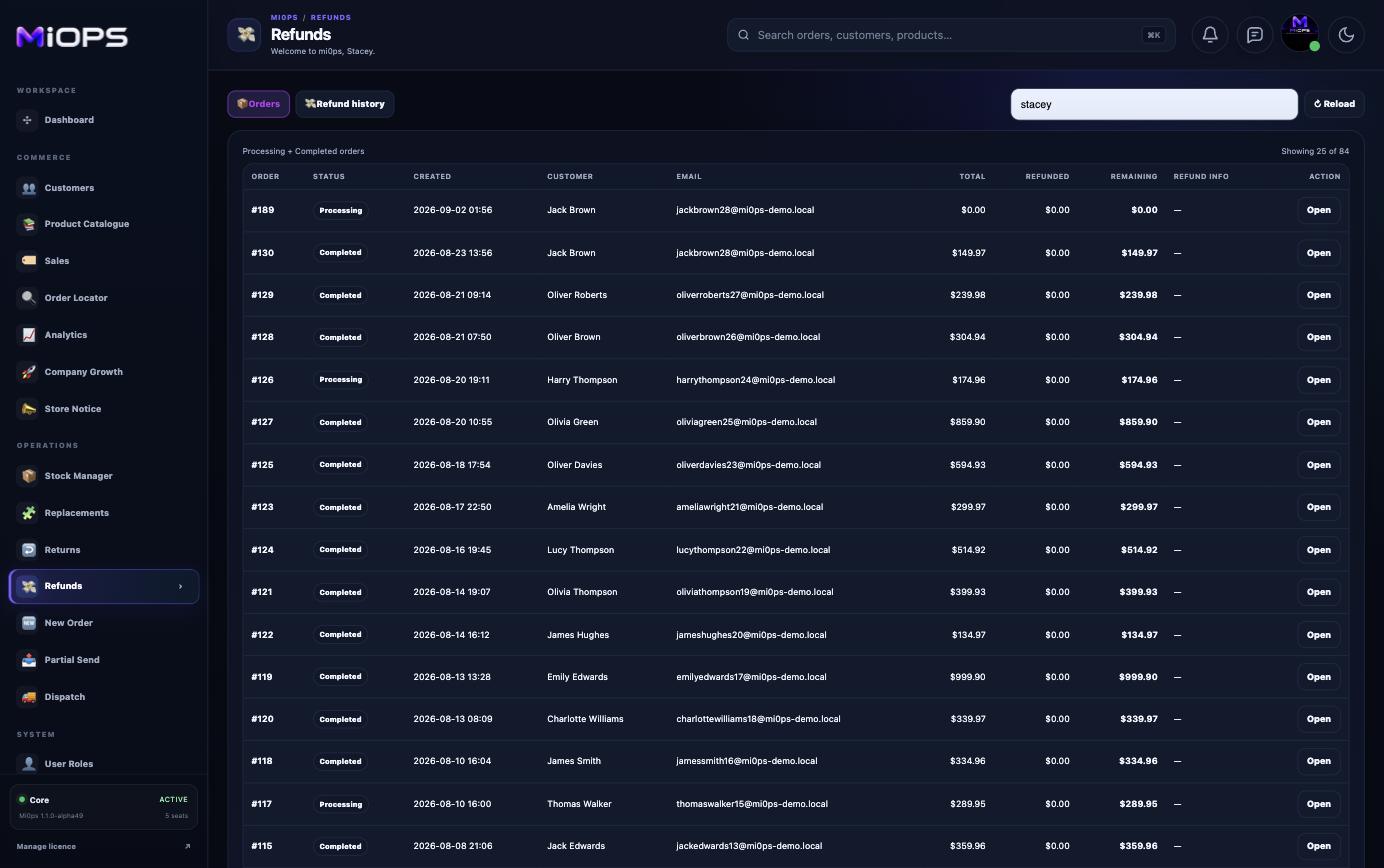
Refunds
Manage WooCommerce refunds with reason, amount and history controls in the same service workspace used by the rest of the team.
- Locate and select the order
- Set refund reason and amount
- Respect remaining refundable balance
- Review refund history
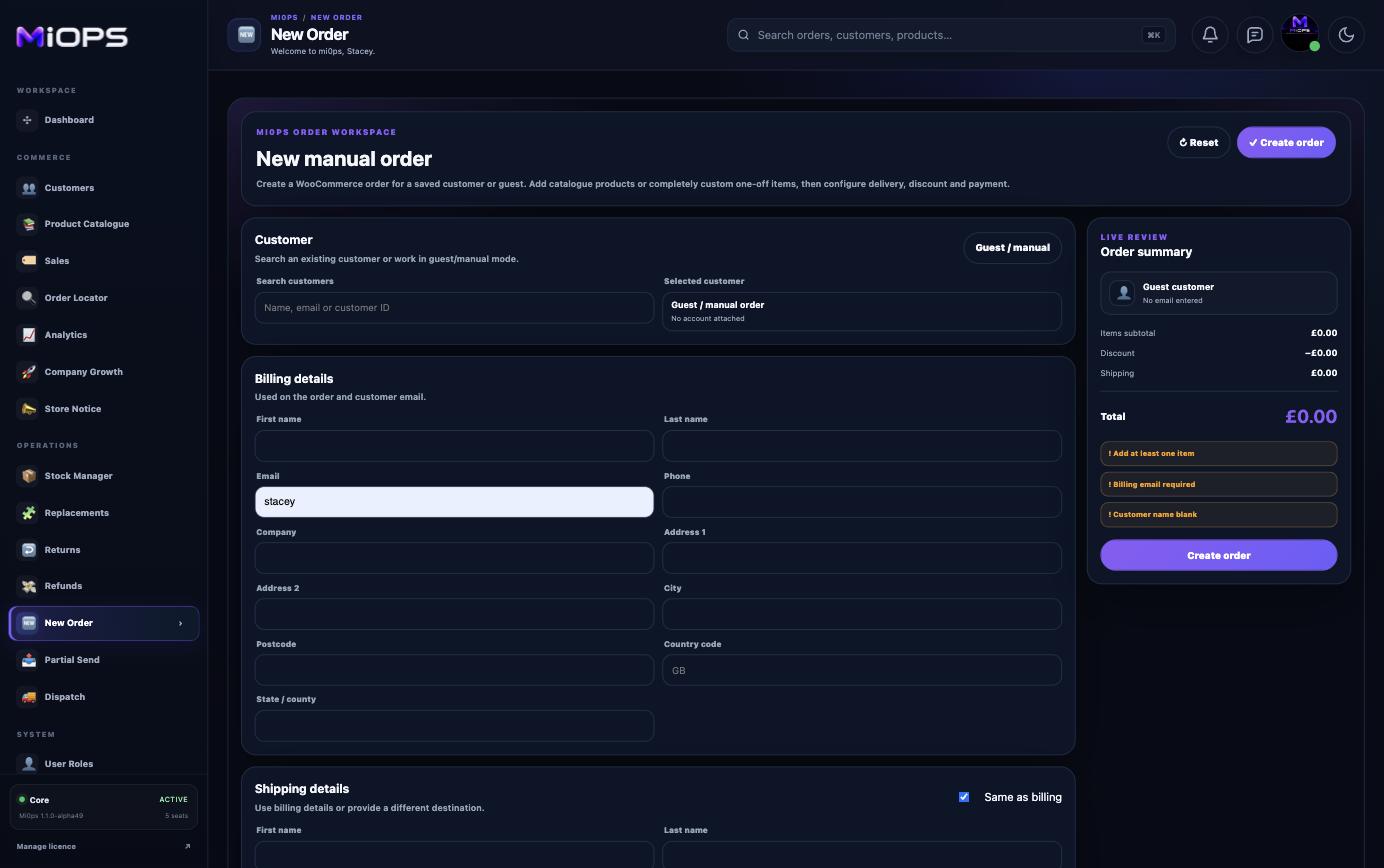
New Order
Build a WooCommerce order manually for a saved customer or guest, with address, item, delivery and payment controls together.
- Saved customer or guest/manual order
- Billing and shipping address controls
- Add products and quantities
- Delivery, payment and live order summary
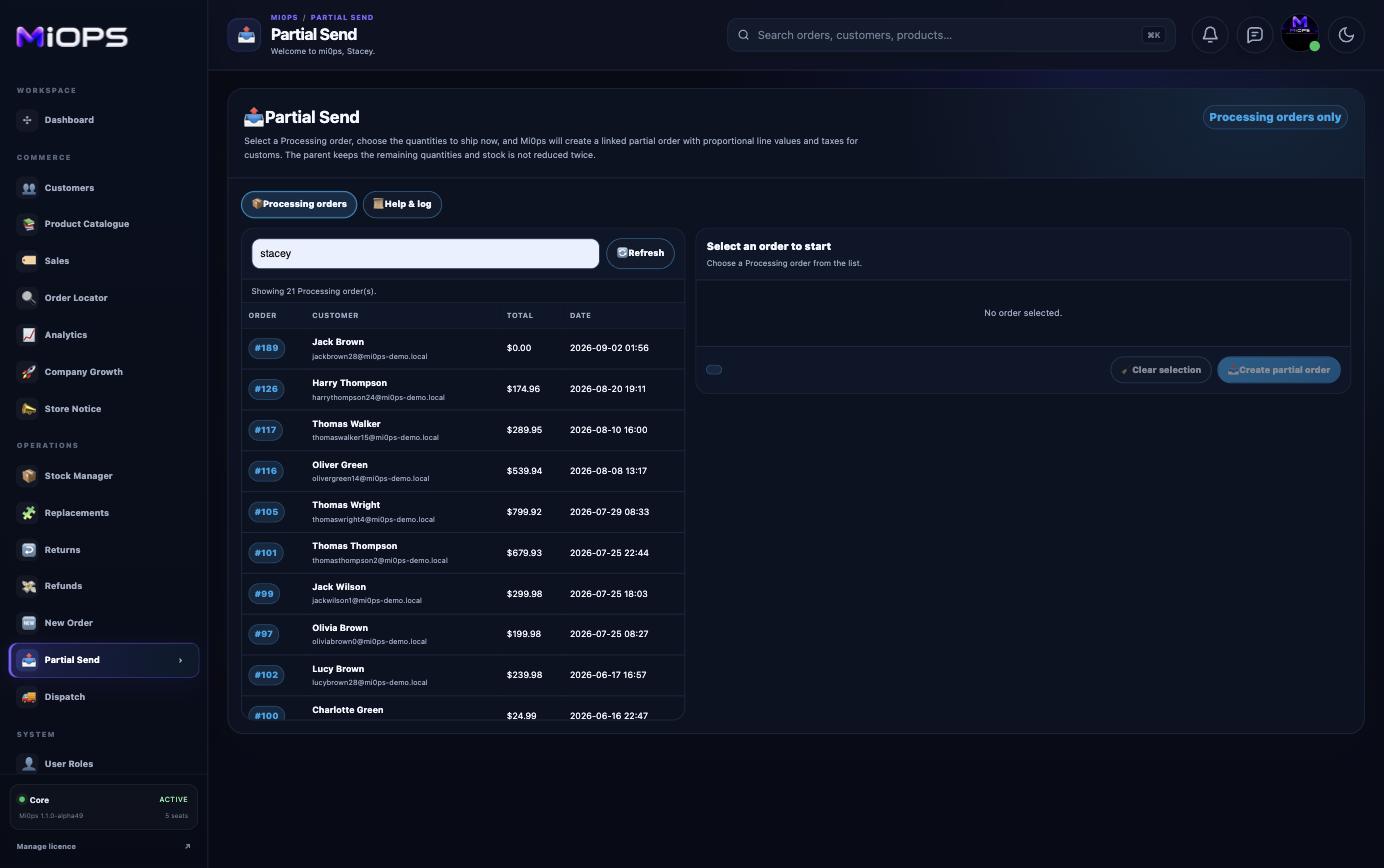
Partial Send
Split selected quantities from a Processing order into a linked child order for partial dispatch while protecting stock from being reduced twice.
- Processing-order eligibility checks
- Choose the quantities shipping now
- Create linked child-order fulfilment
- Built-in double-stock-reduction protection
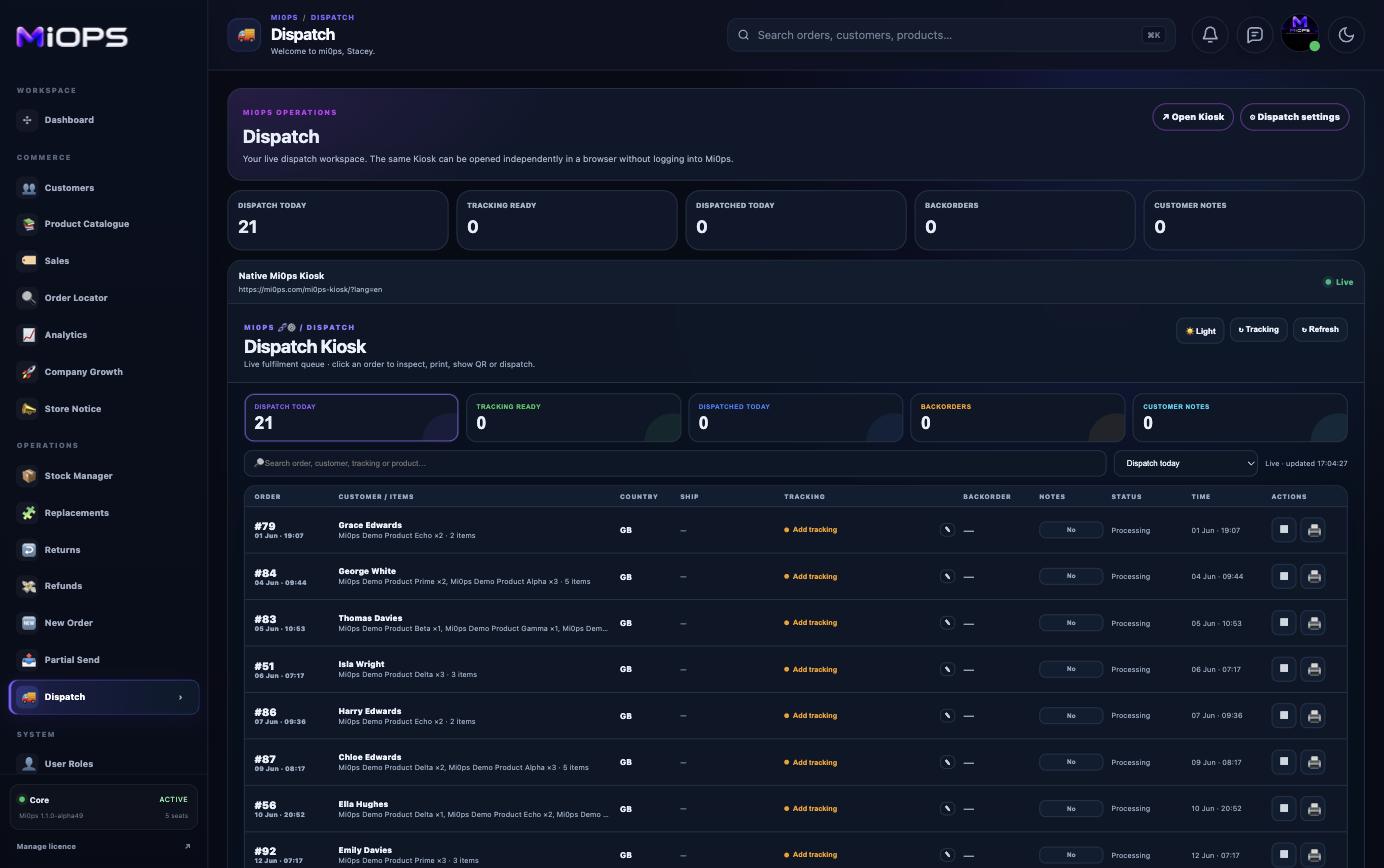
Dispatch
Run the live fulfilment queue, standalone Kiosk, scan-to-dispatch, tracking and printing workflows from a warehouse-focused interface.
- Physical, virtual and mixed fulfilment queues
- Protected standalone Kiosk mode
- Scan-to-Dispatch and tracking capture
- Order-sheet printing and completed-email tracking
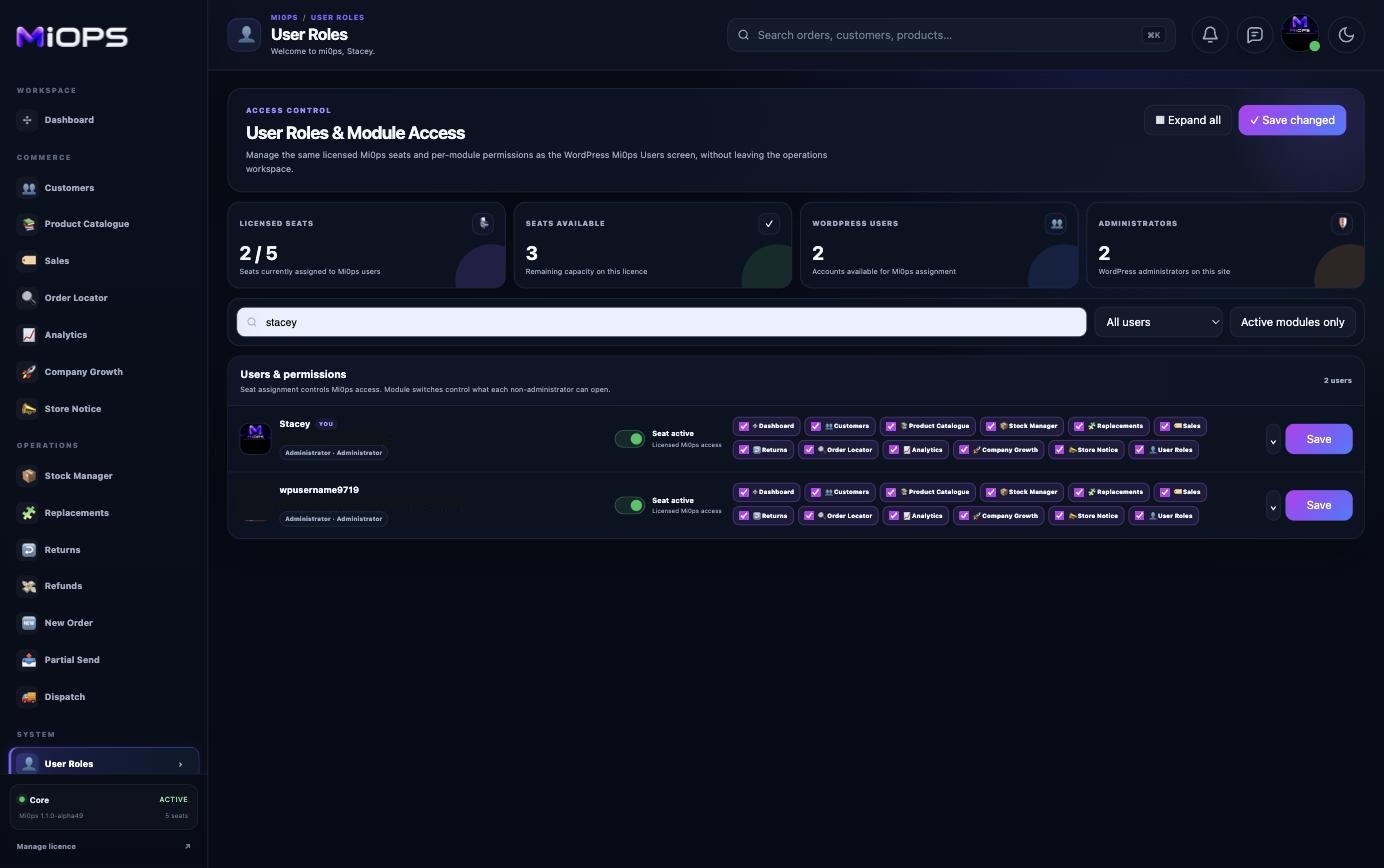
User Roles
Assign licensed seats, control module access and keep staff inside Mi0ps when they do not need the WordPress administration area.
- Licensed-seat assignment and capacity
- Per-user module permissions
- Bulk permission controls
- Per-user Block WordPress admin safeguard
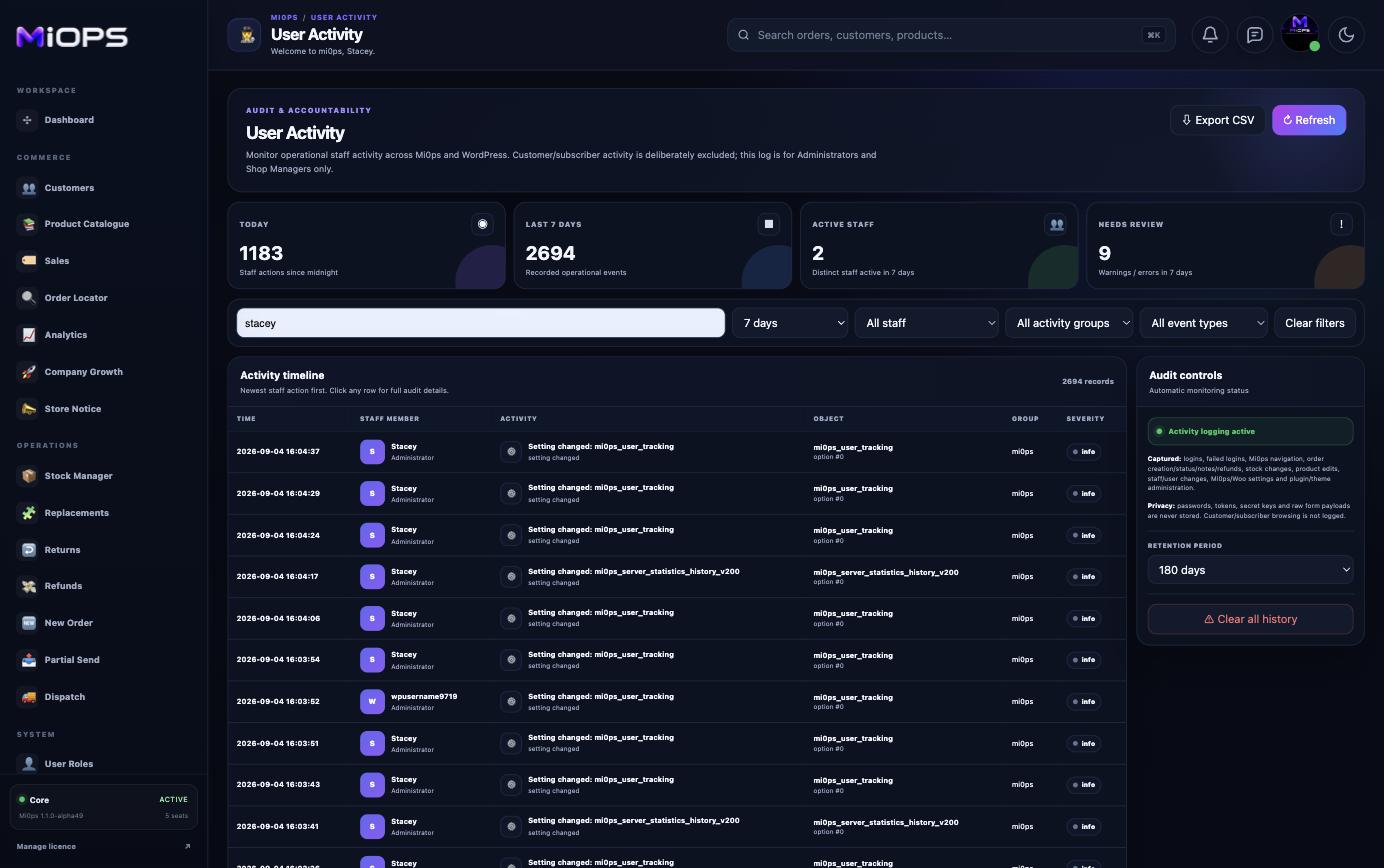
User Activity
See what staff changed, when they changed it and which operational events need review across the Mi0ps workspace.
- Today, 7-day and historical activity views
- Search by user, action, order, product or object
- Warnings and errors that need review
- Configurable audit retention
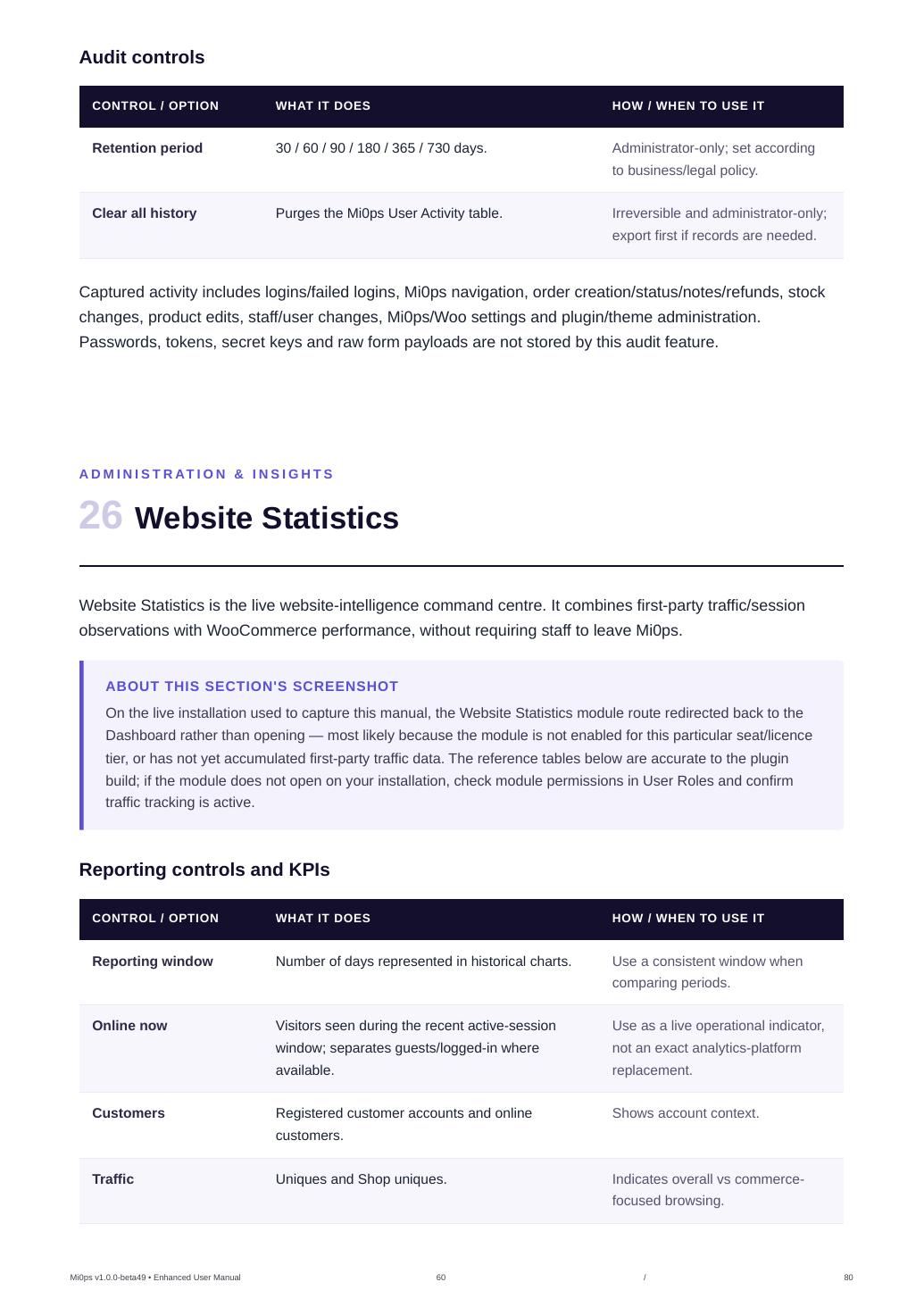
Website Statistics
Combine first-party traffic and session observations with WooCommerce commerce performance so operational teams can understand demand without leaving Mi0ps.
- Traffic, visitors and shop engagement
- Orders, revenue, AOV and directional conversion
- Top pages and referrers
- Top products and billing countries
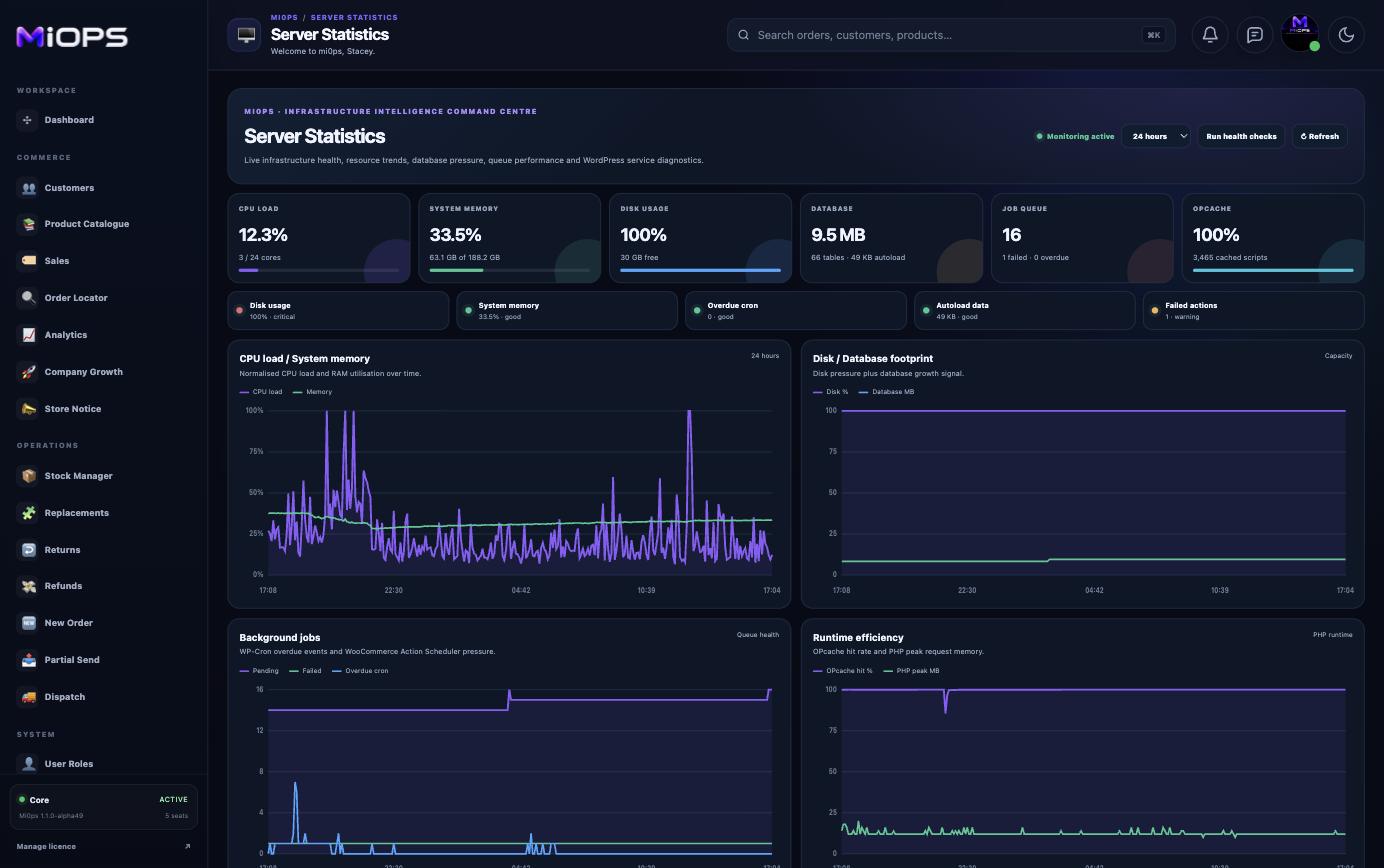
Server Statistics
A technical health dashboard for CPU, memory, storage, database, jobs and runtime efficiency, with short and long trend windows.
- CPU load and memory trends
- Disk and database growth
- Action Scheduler and WP-Cron health
- OPcache, runtime and infrastructure signals
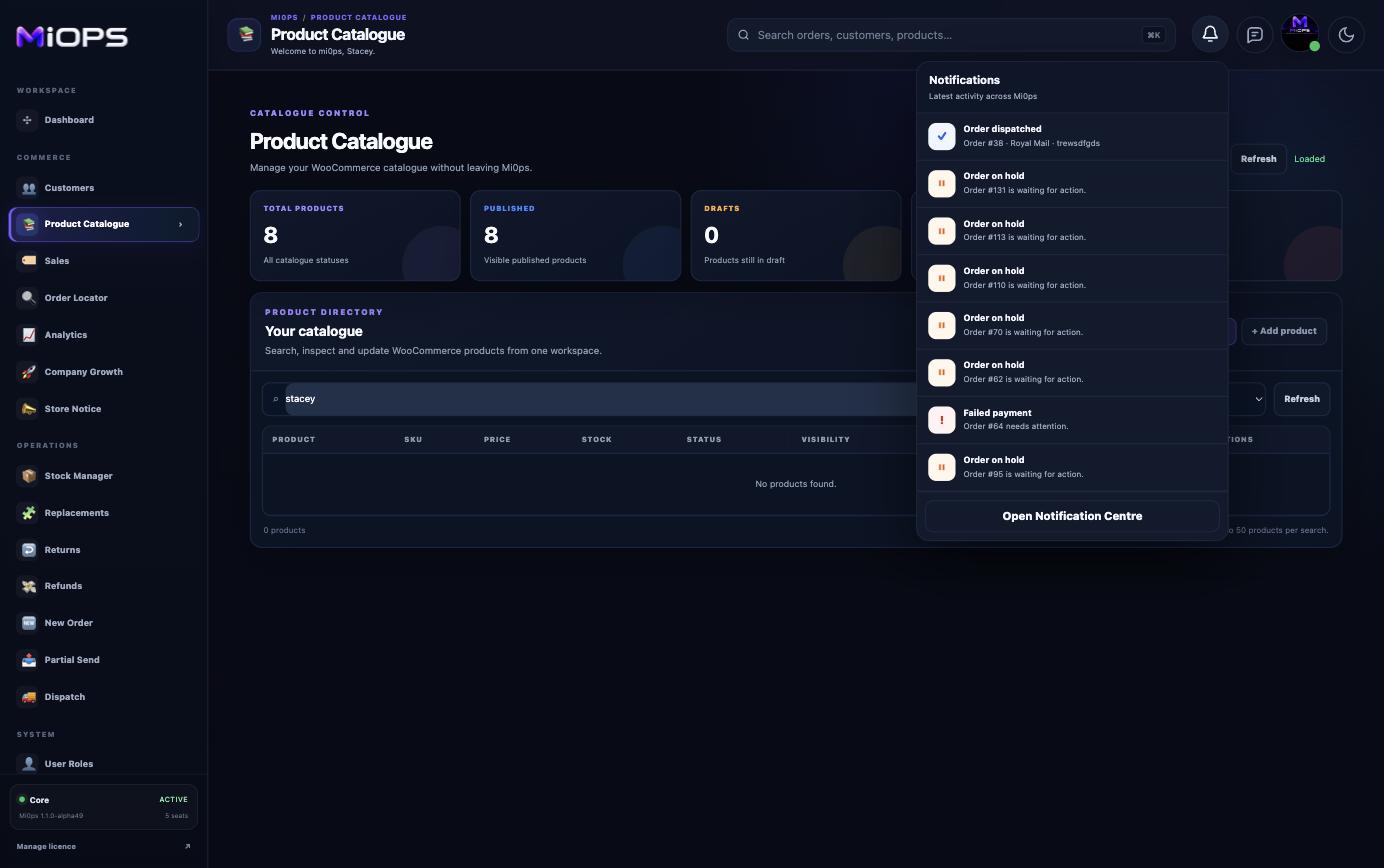
Notification Centre
Route workspace alerts to the right licensed users and connect transactional email delivery events back into Mi0ps.
- Per-user notification-category controls
- Order, stock, calendar, warehouse and system alerts
- Read/unread filtering and acknowledgement
- Email provider webhooks for delivered, opened, clicked and failed states
Message Centre
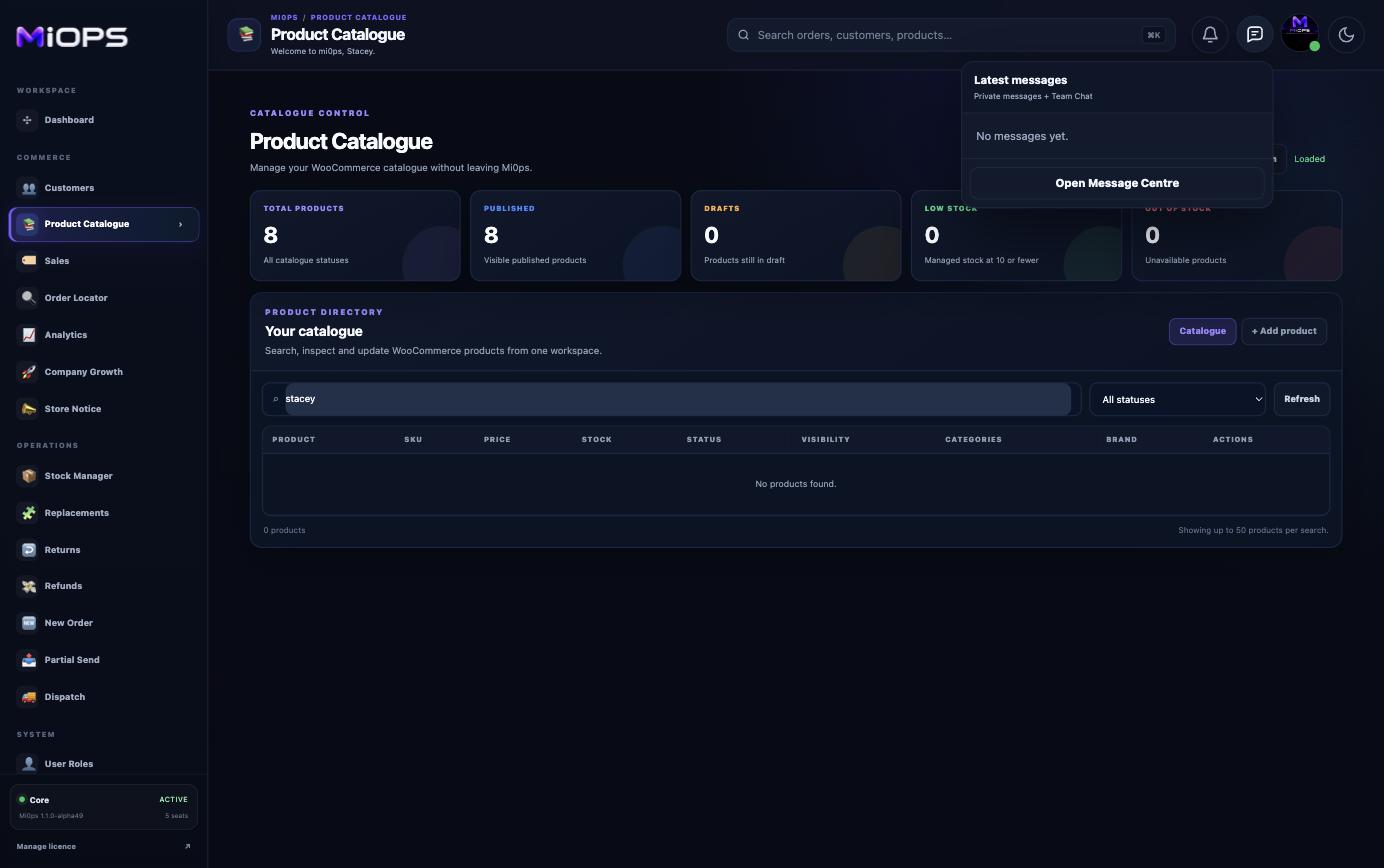
Private staff messaging and a shared Team Chat live inside the workspace, alongside the operations they relate to.
- Private user-to-user messages
- Shared Team Chat
- Replies, sent history and attachments
- Built into the Mi0ps header workflow
Settings
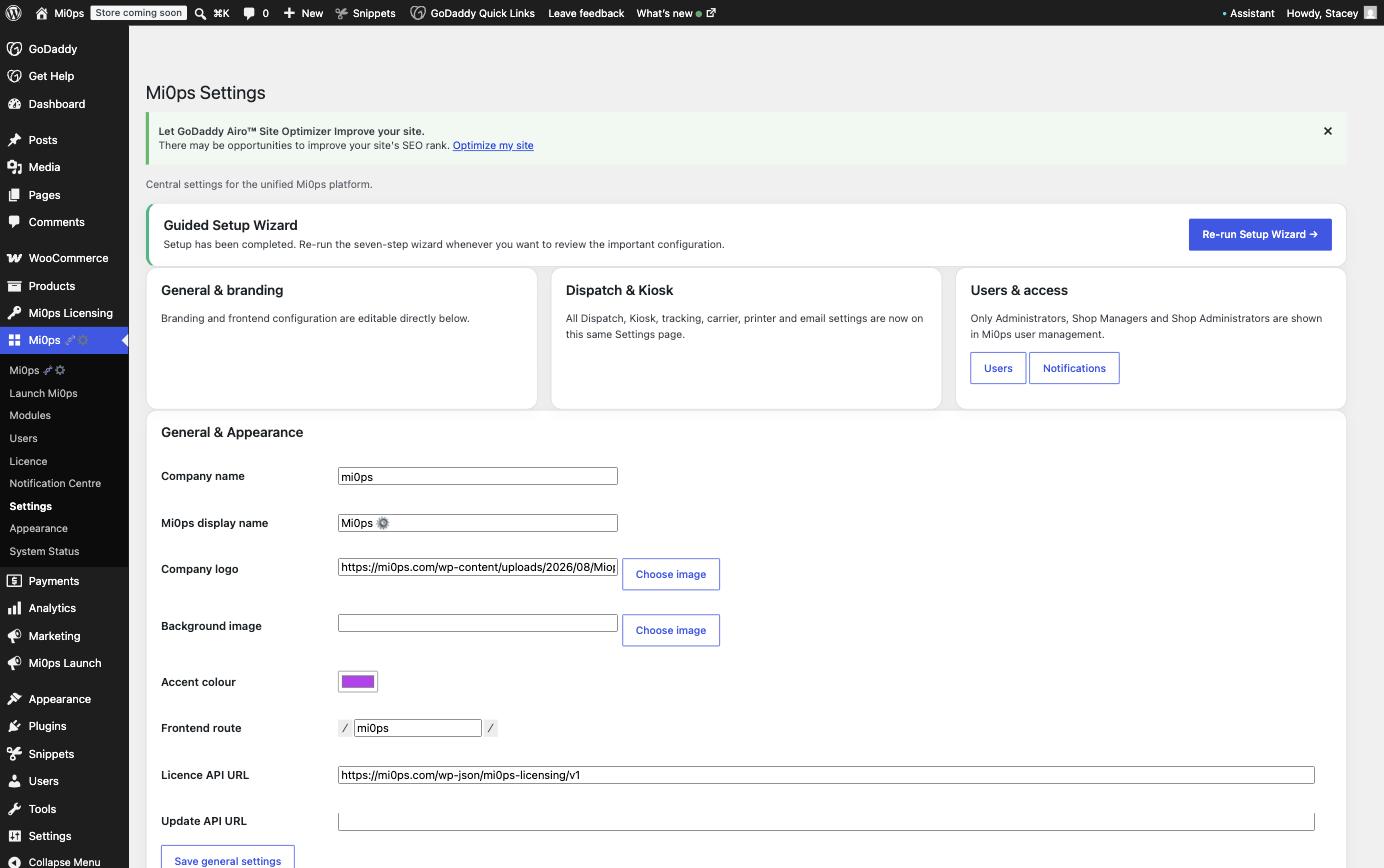
Configure the workspace identity and operational defaults, rerun guided setup and manage invoice behaviour from Mi0ps administration.
- Guided Setup Wizard
- Company identity, logo, accent and frontend route
- Operational fulfilment and integration defaults
- Invoice company, template and QR settings
Security Centre
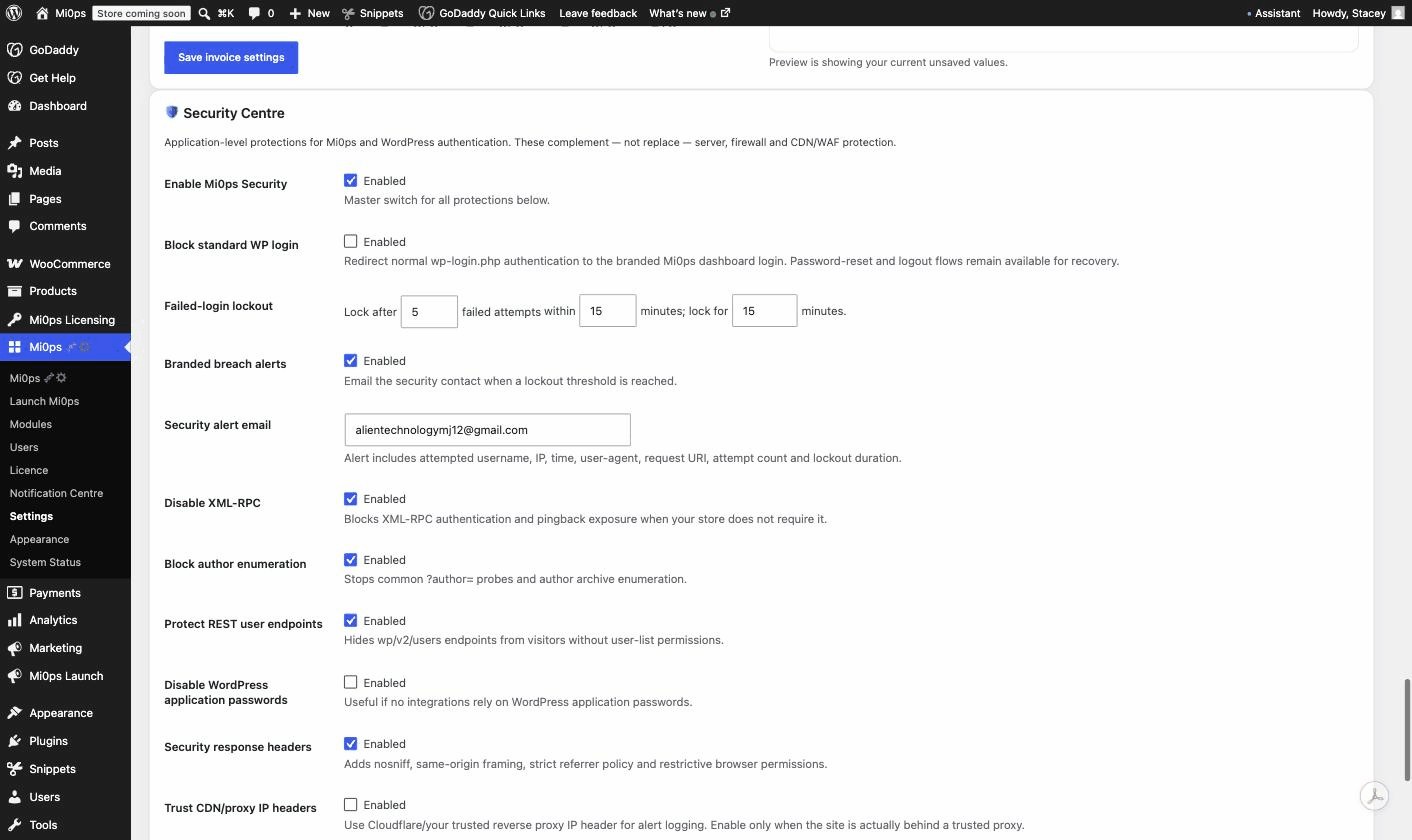
Application-level protections for Mi0ps and WordPress authentication, with lockout tuning, login routing and hardened platform controls.
- Redirect standard wp-login to Mi0ps
- Failed-login lockouts and branded breach alerts
- XML-RPC, author and REST-user protection
- Application-password, response-header and proxy controls
Your team's next shift could start in Mi0ps.
Install the plugin, run the guided setup wizard, and assign seats in an afternoon.